Task Management Overview
Tasks is where you assign and track work for your human team. Whether a follow-up call, a document to send, or an issue to resolve, tasks keep your team accountable and ensure nothing gets missed.
What Are Tasks?
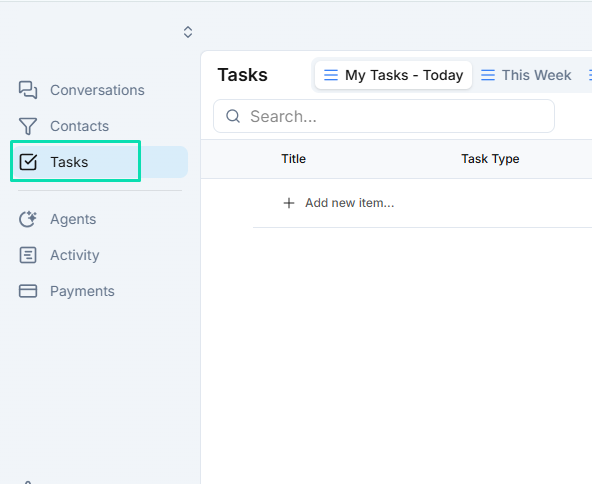
Tasks are action items assigned to team members. They live in a dedicated section of the platform and provide a clear list of what needs to be done, who is responsible, and when it is due.
Each task includes:
- Title --- a clear description of what needs to happen.
- Assignee --- the team member responsible for completing it.
- Due date --- the deadline for completion.
- Status --- the current state of the task (open, in progress, completed).
- Linked contact or conversation --- optional connection to the relevant contact or message thread.
How Tasks Are Created
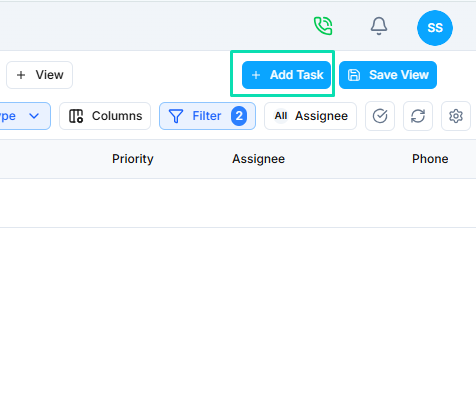
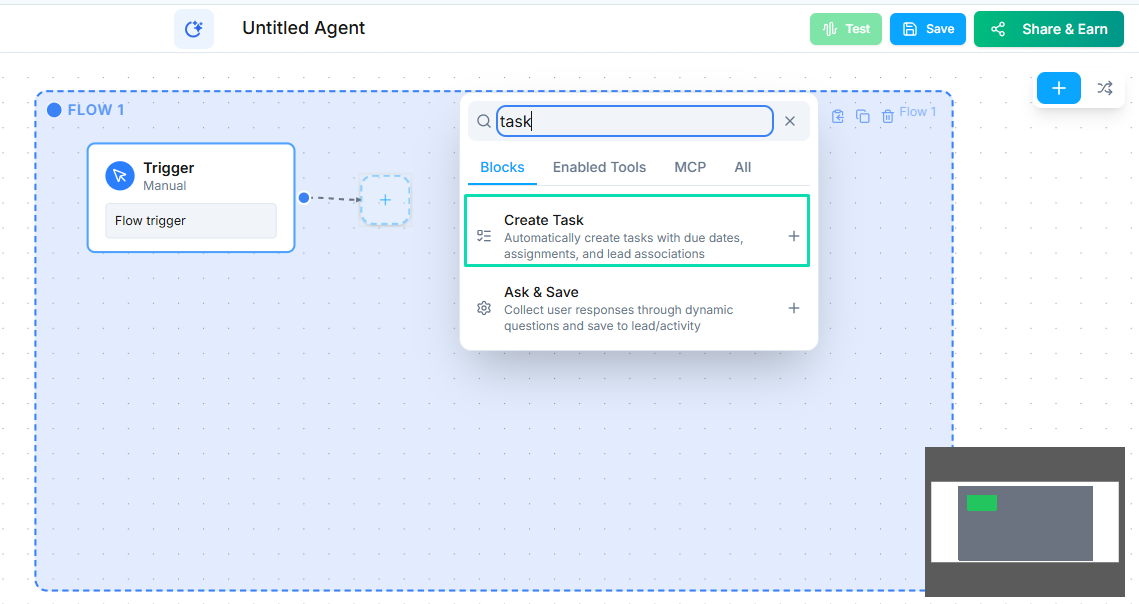
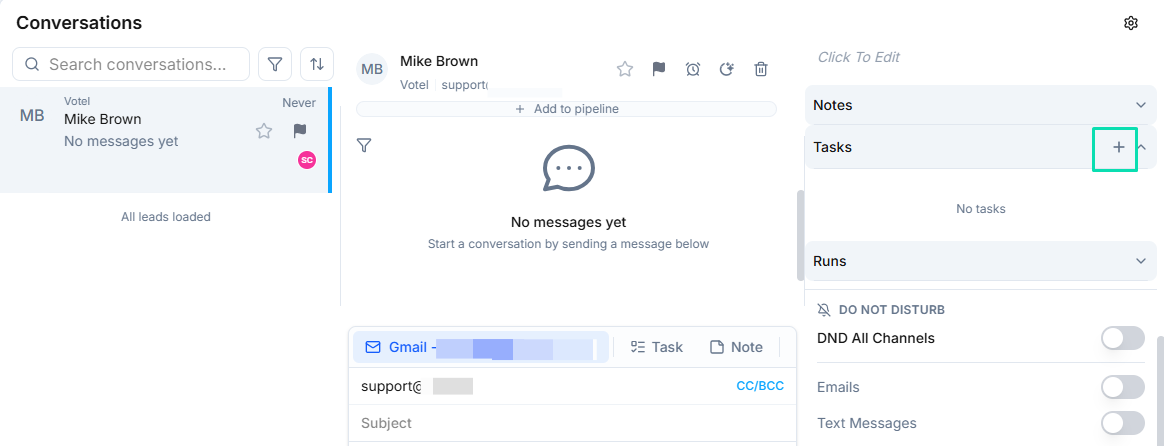
Tasks can come from three sources:
- Manual creation --- any team member can create a task from the Tasks section.
- From conversations --- while viewing a conversation, create a task directly from the sidebar to follow up on that specific thread.
- From workflows --- the Create Task workflow node automatically generates and assigns tasks when triggered by your AI agent.
Viewing and Organizing Tasks
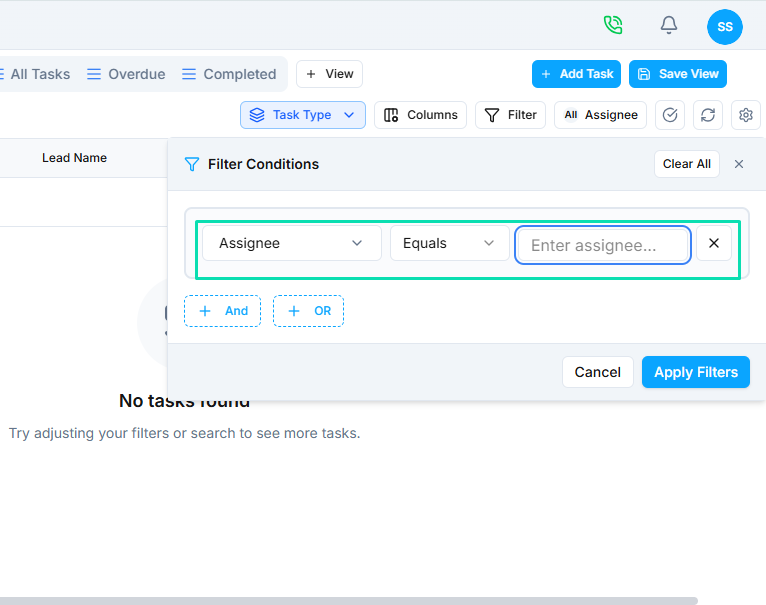
The Tasks section displays all tasks in a list format. Use filters and sorting options to focus on what matters most:
- Filter by assignee, status, or due date.
- Sort by deadline, priority, or creation date.
- Quickly see overdue tasks that need attention.
Next Steps
- Creating and Managing Tasks --- learn how to create, assign, and track tasks
- Create Task Workflow Node --- automate task creation from AI agent workflows
- Conversations --- create tasks directly from customer conversations