Conversation Actions
Every conversation in the inbox comes with a set of actions that help you organize, prioritize, and manage your workload. These actions are accessible from the conversation list or from within an open conversation thread.
Available Actions
Star
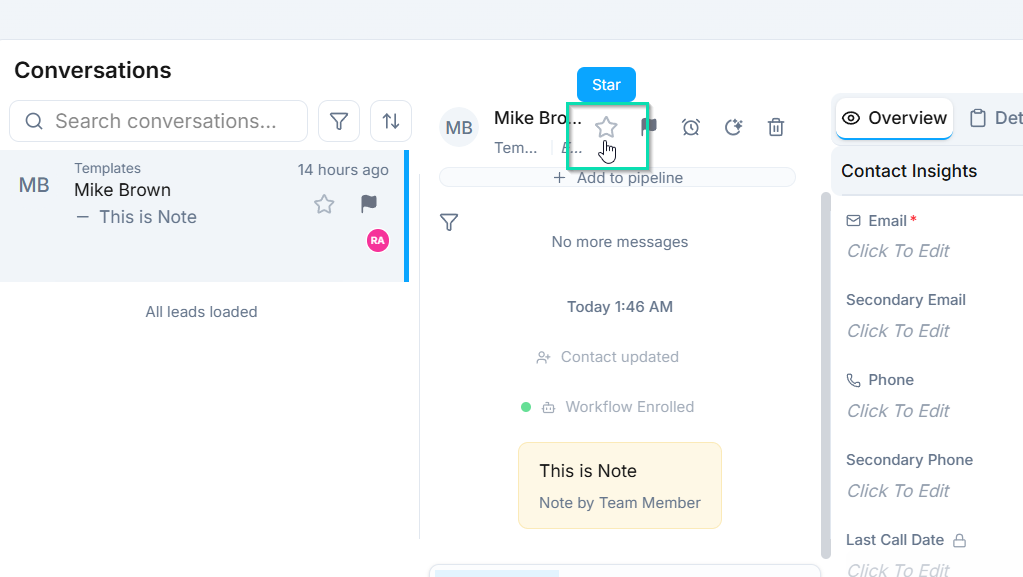
Mark important conversations with a star for quick access. Starred conversations can be filtered and sorted so your most critical threads are always easy to find.
Priority
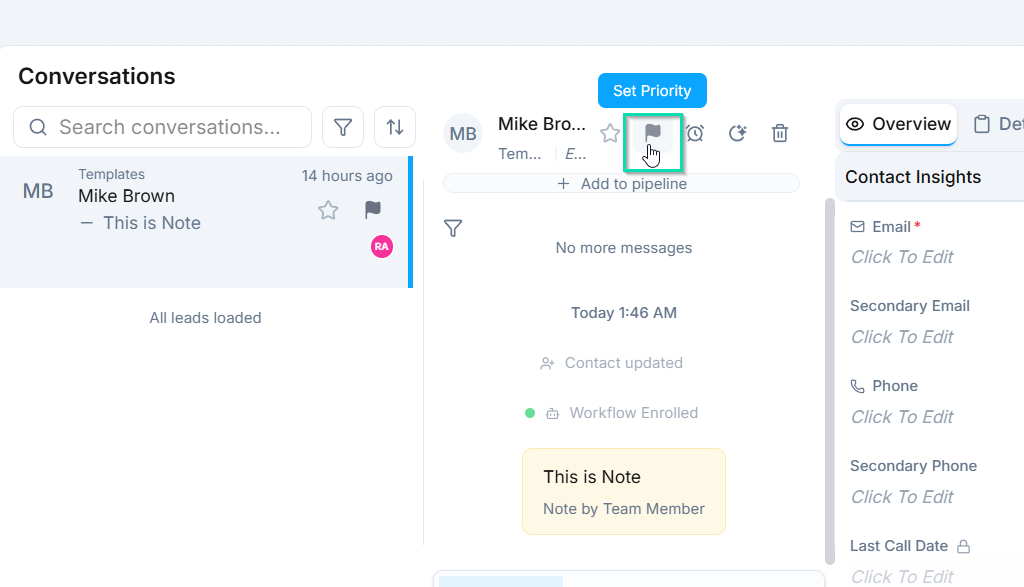
Set a priority level on a conversation to signal its urgency to your team. Priority indicators appear in the conversation list, making it easy to identify which threads need attention first.
Sticky (Pin)
Pin a conversation to the top of your conversation list. Sticky conversations stay at the top regardless of sort order, so high-visibility threads are always front and center.
Snooze
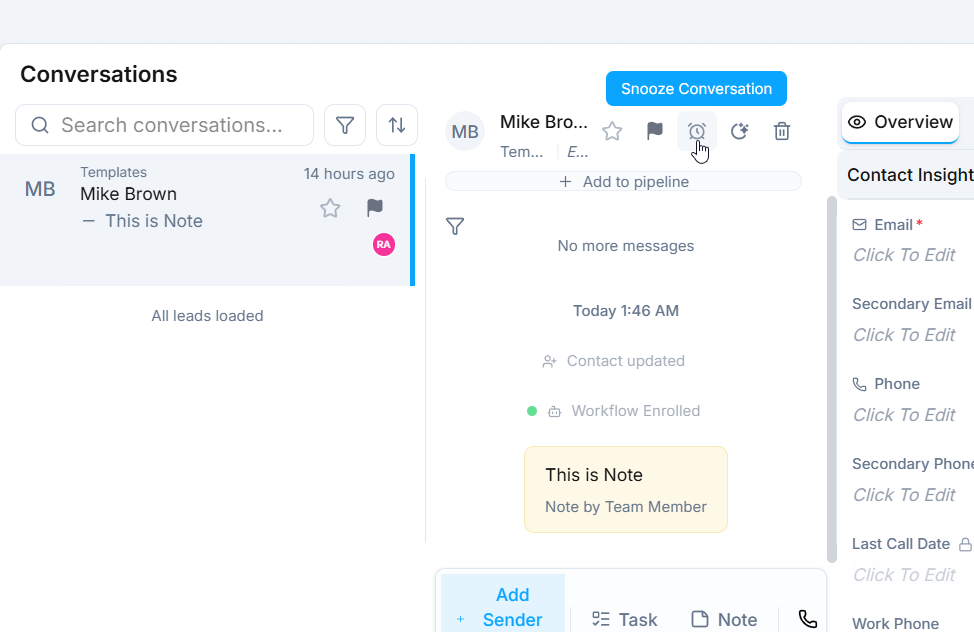
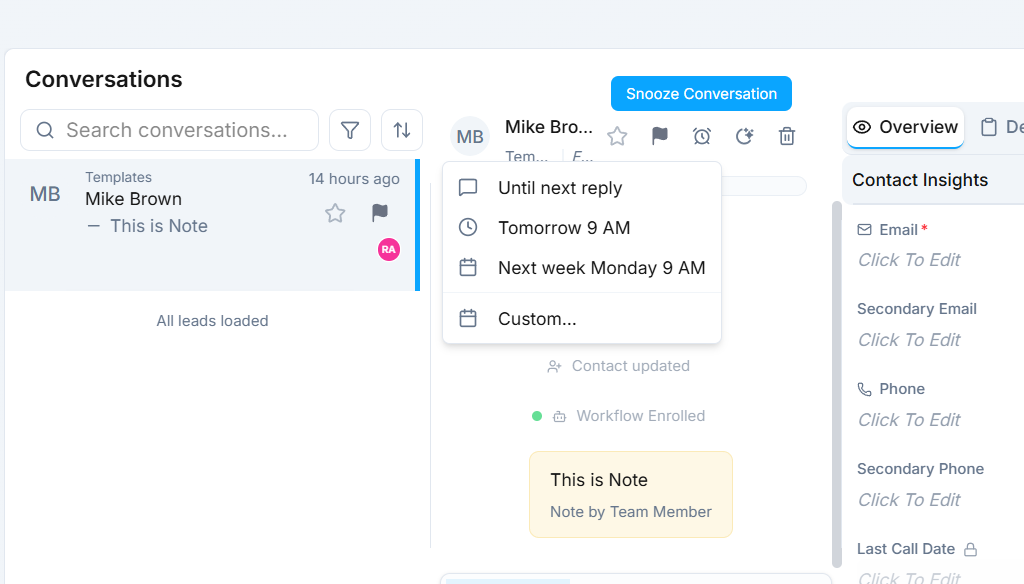
Temporarily hide a conversation from your inbox and have it reappear at a specified time. Snooze options include:
- Until reply - the conversation reappears when the contact sends a new message.
- Until a specific date - the conversation reappears on the date and time you choose.
Snooze is ideal for an inbox-zero workflow. Clear out conversations that do not need immediate attention and let them resurface automatically when the time is right.
AI Agent Assignment
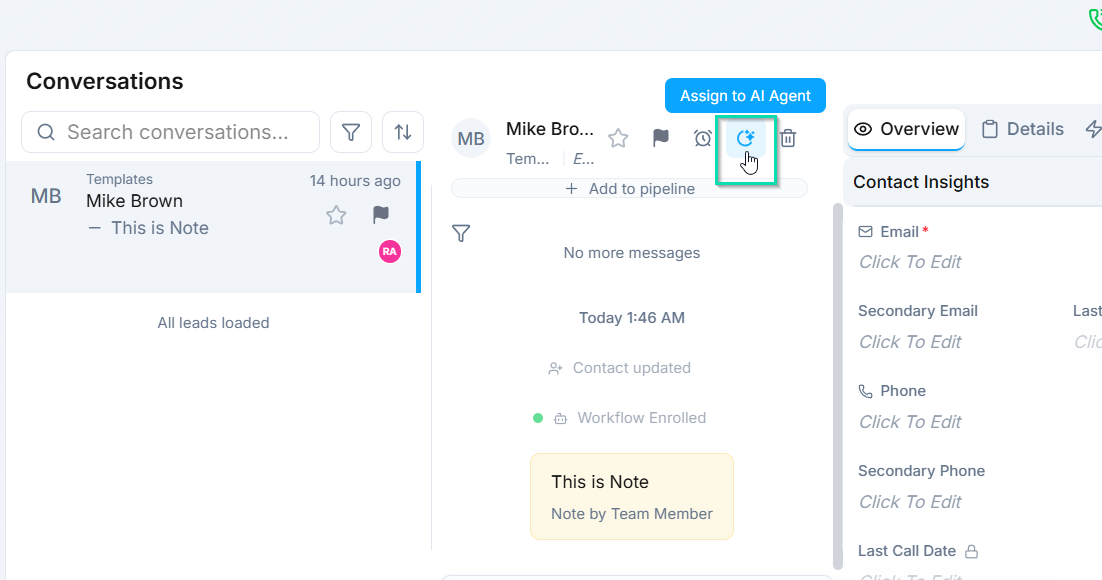
Assign or reassign an AI agent to handle the conversation. This is useful when:
- A new conversation comes in that should be handled by a specific agent.
- You want to hand off a conversation from a human team member to an AI agent (or vice versa).
- The current agent is not the best fit for the conversation topic.
Delete
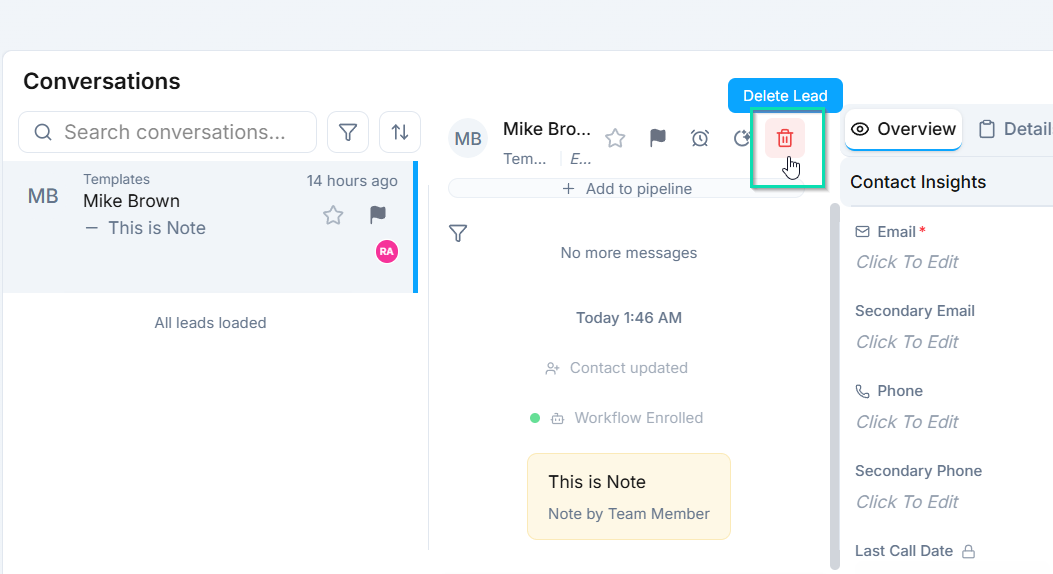
Remove a conversation from the inbox. Deleted conversations are permanently removed, so use this action with care.
Next Steps
- Agent Assignment - learn how AI agents handle conversations
- Tasks from Inbox - create and track tasks directly from a conversation